

 By
By The UK Immigration ID Check App has emerged as a key component of the immigration procedure among individuals seeking visas, residency or settlement in the United Kingdom. It is meant to ease the identity verification process since technology is applied, rather than face-to-face verifications.
Having thousands of applicants annually, some people have difficulties with the app and its technical aspects. This is where ReadmeJob comes in, as it takes people step by step through the ID check procedure.
Here, we will discuss what the Immigration ID Check is all about, how gov.uk ID Check App functions and why the platform is a trustworthy partner to have the process easy and free of stress.
What is the UK Immigration ID Check?
UK Immigration: ID Check is an online procedure, under which applicants can attest to their identities through the application of digital means when seeking a UK visa or immigration status. Rather than post or visit the office during a physical appointment, an applicant can carry out the process from the comfort of his or her smartphone.
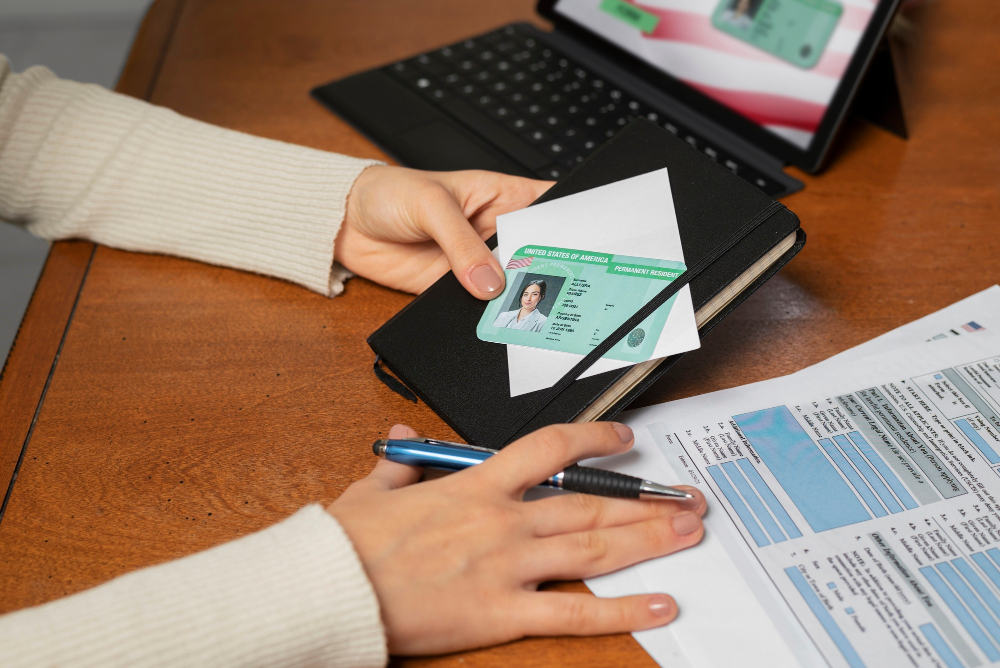
The process involves:
- Taking biometric reads, such as passports or residence cards.
- Capturing a live image to be used for facial recognition.
- Reporting the results to the Home Office to check.
The digital-first strategy fits into the UK government’s objective of ensuring immigration is quicker, safer and accessible to all.
How Does the Immigration ID Check App Work?
The UK Immigration ID Check App is available as a free download on the official app stores and is linked directly to Home Office systems.

The main capabilities of the app are:
- Document Scanning: The applicant scans the biometric page of his or her passport or residence permit.
- Chip Reading: The application verifies the authenticity of a document by scanning it using the NFC technology on the chip on the document.
- Photo Capture: Identity comparison is made through a real-time photo of the passport photo and identity.
- Submission: Data is sent safely to the Home Office in order to be verified.
The gov.uk ID Check App means that an applicant does not have to send sensitive materials or visit visa centres, unless some extra checks are requested.
Common Challenges Applicants Face
Despite the fact that the Immigration ID Check App is a useful tool, most applicants complain about difficulties in the process. These include:
- NFC is challenging for scanning biometric passports.
- Errors during photo submission.
- Technical issues on some smartphones.
- Uncertainty about the correct steps.
- Stress from possible rejection due to mistakes.
Such challenges may slow down the implementation and unnecessarily frustrate.
How Readmejob Supports Applicants in the ID Check Process?
Readmejob aims at making the complicated immigration processes easier and leading the user through these processes. Readmejob offers practical help in many ways when it comes to the UK Immigration ID Check:
Step-by-Step Guidance
The applicants are well guided on using the UK Immigration ID Check App. Readmejob makes sure that each step is comprehended, whether it is scanning passports or uploading live photos.
- Technical Troubleshooting
One might experience a failure of the app to scan documents or identify photos, but with the use of this platform, they can quickly fix any typical technical problems and prevent applicants from wasting their time.
- Reducing Errors
Readmejob lowers the chances of failure caused by errors in the details typed into it and thus reduces the time taken to process a new application.
- Peace of Mind
The applicants are also assured that they are in experienced hands and there is less stress in the process, which can otherwise be a very overwhelming part of the immigration process.
Put simply, Readmejob simplifies the process of Immigration: ID Check in the whole of the UK, making it smoother, quicker and much less stressful.
The UK Government is using the ID Check App
It is not only a matter of convenience with gov.uk ID Check App. It is also the key to security and efficiency.

The main reasons include:
- Enhanced Security: Biometric data prevents fraudulent use of identity documents.
- Time Efficiency: Applications may be handled efficiently in a quicker turnaround without the need for actual appointments.
- Global Accessibility: Any applicant at any location across the globe can confirm his/her identity at any distance.
- Cost Savings: Reduces administrative costs for both applicants and the Home Office.
How Readmejob Makes Immigration Applications Easier
In addition to the Immigration ID Check App, there is Readmejob, which offers a wider range of assistance to applicants who handle the UK immigration processes.

Some benefits include:
- Application Preparation: Instruction on how to fill out forms.
- Checks with Documents: Ensuring that necessary documents are up to Home Office standards.
- Deadline Reminders: Assistance to the applicants to make sure they do not miss submission dates.
- Complete Assistance: Help with the entire immigration process.
To all the people whose concern is using the Immigration ID Check App, it is a reliable partner that will make the process hassle-free, stress-free, and correctly completed.
Conclusion
The UK Immigration ID Check App is an intelligent application developed by the UK government to simplify the process of immigration applications. Sometimes its usage can be quite daunting when one is new to it. By allowing scanning of passports, biometrics verification and transmission of secure data, the app does not require face-to-face verification. Nevertheless, technical difficulties prevail and require some professional help.
Readmejob provides step-by-step advice, technical assistance, and reassurance to make sure that the applicants pass the UK Immigration ID Check. It is an additional support system that can make settling, working or studying in the UK more comfortable for anyone intending to do so.
FAQs
What is the UK Immigration ID Check App used for?
The Immigration ID Check App enables applicants to check their identity online during the submission of a visa or residency. It does not require post or face-to-face appointments with the sending of documents.
How do I use the gov.uk ID Check App?
You must download the application, swipe your passport or biometric card, tap the chip with NFC and capture a live photograph and complete the form with your information and send it safely to verify.
Why is my Immigration ID Check App not working?
This may occur because of the error of scanning NFC, or because your phone is not compatible, or because the light is not bright enough to take photos. Readmejob support assists the applicants in overcoming these issues.
Can I complete my immigration application without using the ID Check App?
The UK Immigration: ID Check is required in the majority of digital applications. In case of the app failure, the applicants might also have to make a physical appointment.
How does Readmejob help with the ID Check process?
Readmejob gives instructions on how to use the app, troubleshoots, verifies submission accuracy, and offers continuous assistance to make certain the application is seamless and stress-free.
22 Comments